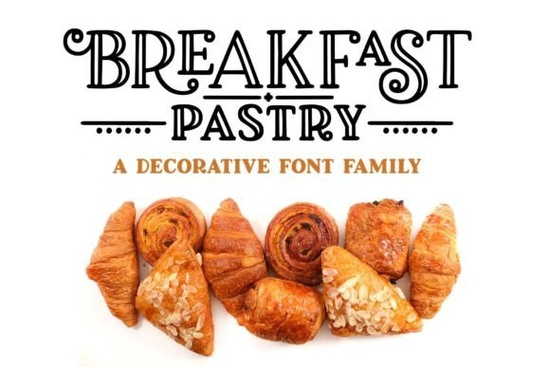
If you’ve ever wanted a font that feels like fresh-baked croissants warm, inviting, and just a little playful Breakfast Pastry Font might be your new favorite. It’s a hand-drawn serif with generous ball terminals, swashes, and curls that give it personality without being overwhelming. Whether you’re designing greeting cards, packaging, or branding for a cozy café, this font brings charm without sacrificing legibility.
What makes Breakfast Pastry different from other display fonts?
Most display fonts go big on style but forget usability. Breakfast Pastry doesn’t. The designer started with actual pen-and-paper sketches, then carefully digitized each glyph to keep that handmade warmth while smoothing edges for clean cutting or printing. You get three weights: Regular (with cutouts), Solid (filled in), and Thin (delicate and airy). All share the same 700+ glyphs, so switching between them won’t break your design flow.
Compare it to something like Blaster Glory, which leans bold and retro, or Belly, known for its chubby curves Breakfast Pastry sits in that sweet spot where elegance meets whimsy. It’s not trying to scream for attention. It’s the kind of font that invites you to lean in closer.
Can I actually use this for commercial projects?
Absolutely. Every version includes full commercial licensing. That means print-on-demand sellers can use it on mugs, shirts, or stickers. Small business owners can slap it on menus, labels, or social media graphics. Crafters can cut it with Cricut or Silhouette machines without worrying about jagged edges the outlines are clean, even with all those decorative swirls.
The PUA encoding is a nice touch too. No need to dig through Glyphs panels or Character Maps. Just open the included PDF cheat sheet (yes, there’s one!), copy the symbol or alternate letter you want, and paste it right into Illustrator, Canva, or Affinity. Works across all three weights since they’re coded identically.
What’s actually inside the download?
- Three font files: Regular, Solid, Thin all OTF format.
- Over 300 extended Latin characters for multilingual support (great if you sell internationally).
- 230+ extras: Swash alternates, ligatures, small caps, catchwords, and decorative ornaments.
- One handy PDF guide showing every character and its code for easy copying.
It’s worth noting how thoughtful the alternates are. Instead of just tossing in a few curly Qs, the designer added multiple swash options per letter. Sometimes two or three. So if “Cupcake Corner” needs a fancier “C,” you’ve got choices. And if “Morning Brew” wants understated elegance? Switch to the Thin weight and skip the swashes entirely.
Who should skip this font?
If you need something ultra-minimalist, corporate, or strictly sans-serif this isn’t it. Also, while it’s legible at medium sizes, don’t expect crisp readability at 8pt body text. It’s built for headlines, logos, packaging, and accents.
But if you liked the vibe of Awesome Newbie or the vintage flair of Retro Lettering, you’ll feel right at home here. Even fans of Belmore’s classic serifs might appreciate how Breakfast Pastry softens things up with those signature ball terminals.
Any tips for getting the most out of these fonts?
- Mix weights intentionally. Use Thin for subheadings under a Solid main title. Or layer Regular over Solid for a dimensional effect.
- Don’t over-swash. One ornate letter per word usually does the trick. Two if you’re feeling fancy.
- Pair it wisely. A clean sans-serif like Montserrat or Lato balances its curves beautifully.
- Test print or cut first. Those ball terminals are thick make sure your printer or cutter handles them cleanly at your intended size.
And remember: that PDF cheat sheet? Print it. Bookmark it. Tape it to your monitor. It saves so much time when you’re hunting for that perfect ampersand or trying to remember which key triggers the heart-shaped ornament.
Next step: Open your current project. Pick one headline or logo mockup. Swap in Breakfast Pastry Thin. Add one swash. See how it feels. Sometimes the smallest change the curve of a terminal, the flick of a tail is what turns good design into something people pause to admire.
Explore Design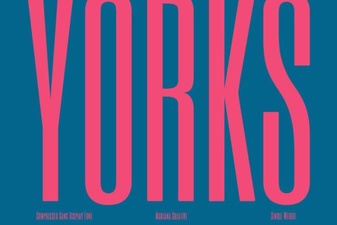 Yorks Font for Design Projects and Inspiration
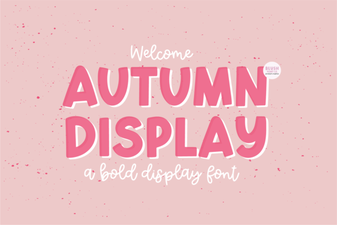 Handcrafted Autumn Fonts for Your Fall Projects
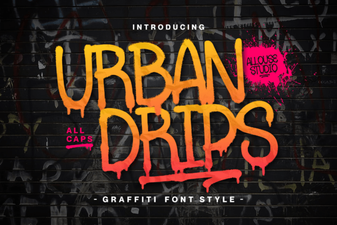 Urbandrips Font: Download & Project Ideas
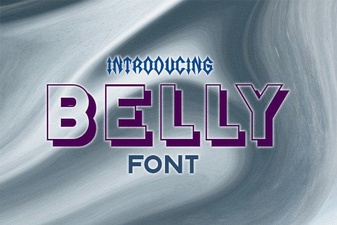 Belly Font: Download the Friendly Design Kit
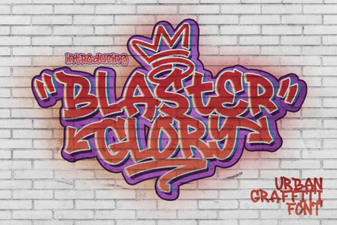 Blaster Glory Font: Retro Designs and Tips
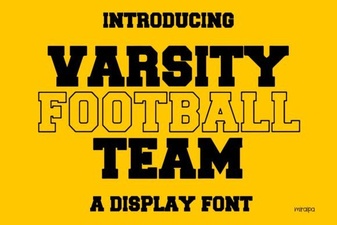 Football Team Font Ideas for Designers & Coaches